observe4success logo
Ripped paper top graphic

Platform

Ripped paper bottom graphic

How observe4success Works

Green arrow pointing down
An illustration of a user and support building customized forms in the observe4success classroom walkthroughs & teacher evaluations platform
Step 1: build forms graphic with the number one with a thick, hand drawn border

Build forms that match your process

Already have forms you love? We will build them into the system for you at no charge. You can also create forms from scratch using our flexible form builder or start from templates used by other schools.
However you prefer to work, you get a system that fits your process from the start. And we are here to guide you every step of the way.
Step 2: schedule your visits graphic with the number 2 with a thick, hand drawn border

Schedule Your Visits

Plan your week, month, or semester in one sitting. Schedule visits, notify teachers with a single click, and add everything to your personal calendar. When it's time to go, launch your visit directly from the calendar event.
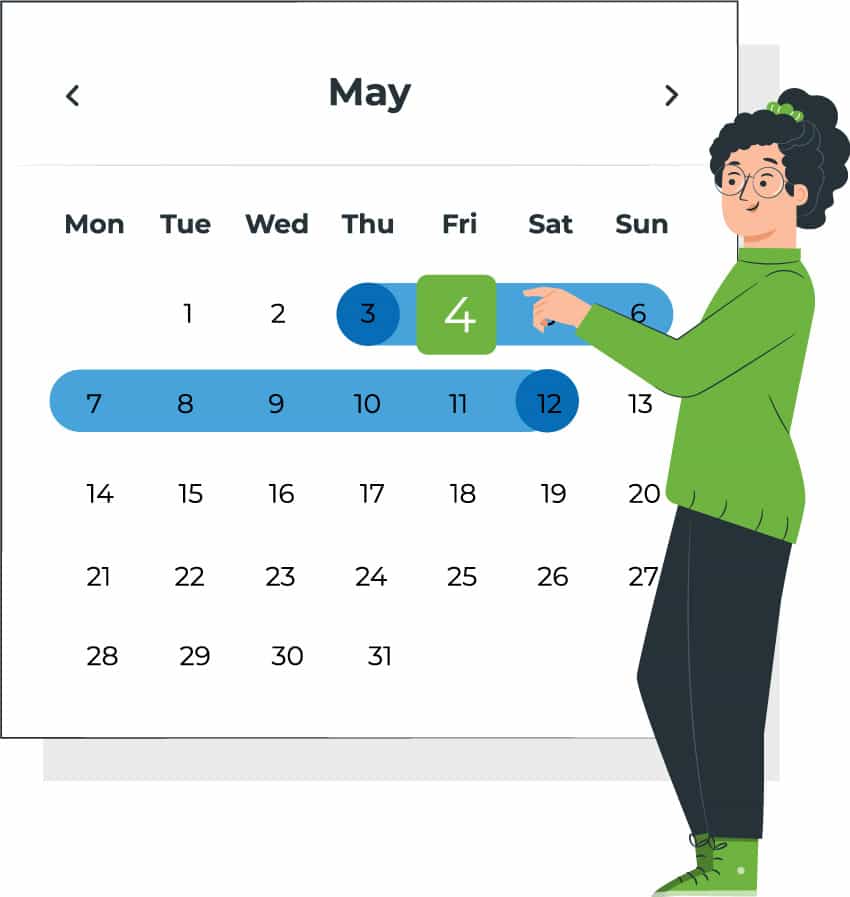
An illustration of a user scheduling a visit in the observe4success classroom walkthroughs & teacher evaluations platform
An illustration of a user holding their phone next to a large phone screen with the web-based observe4success platform illustrated on the screen
Step 3: get into the classroom graphic with the number 3 with a thick, hand drawn border

Get Into The Classroom

observe4success is web-based — bring whatever device you have. Phone, tablet, laptop, Chromebook. Open your form, start observing, and let the platform do the rest. No app to download, no setup required on-site.
Step 4: send feedback graphic with the number 4 with a thick, hand drawn border

Send Feedback Before You Leave the Room

Send a polished observation email before you even leave the classroom. With AI writing assist, your rough notes become clear, professional feedback in one click. Save your best messages and reuse them to keep communication consistent without adding extra time.
Illustration of one user sending feedback & one user receiving feedback through the observe4success platform
Illustration of two users reviewing graphs in the observe4success platform
Step 5: use graphs to identify trends graphic with the number 5 with a thick, hand drawn border

See Patterns and Trends at a Glance

Your observation data is automatically graphed the moment it's recorded. Filter by teacher, grade, department, school, or any combination. With AI visit summaries, turn hundreds or thousands of walkthrough notes into a clear, readable narrative in seconds.

NEW — AI-POWERED FEATURES

Smart tools that save time and deepen insight.

Our AI tools are already live for all customers - not on a roadmap, not a paid add-on.
Live Now
AI writing assist
Transform rough observation notes into polished, professional feedback that teachers find meaningful — without adding time to your day.
Live Now
AI visit summaries
Automatically summarize notes from hundreds or thousands of observations into a clear, readable narrative.
Live Now
Data Analytics
Drill down into trend data across your entire school or district to surface the insights that drive better instructional decisions.
More AI features on the way.
Provide meaningful, actionable feedback and gain clear insight into instruction across your schools.
Green arrow pointing down
Ripped paper top graphic

Schedule Your Demo or Start Your FREE Trial Today!

Ripped paper bottom graphic
Trusted by administrators since 2011.
See how schools and districts are turning observations into meaningful instructional improvement.